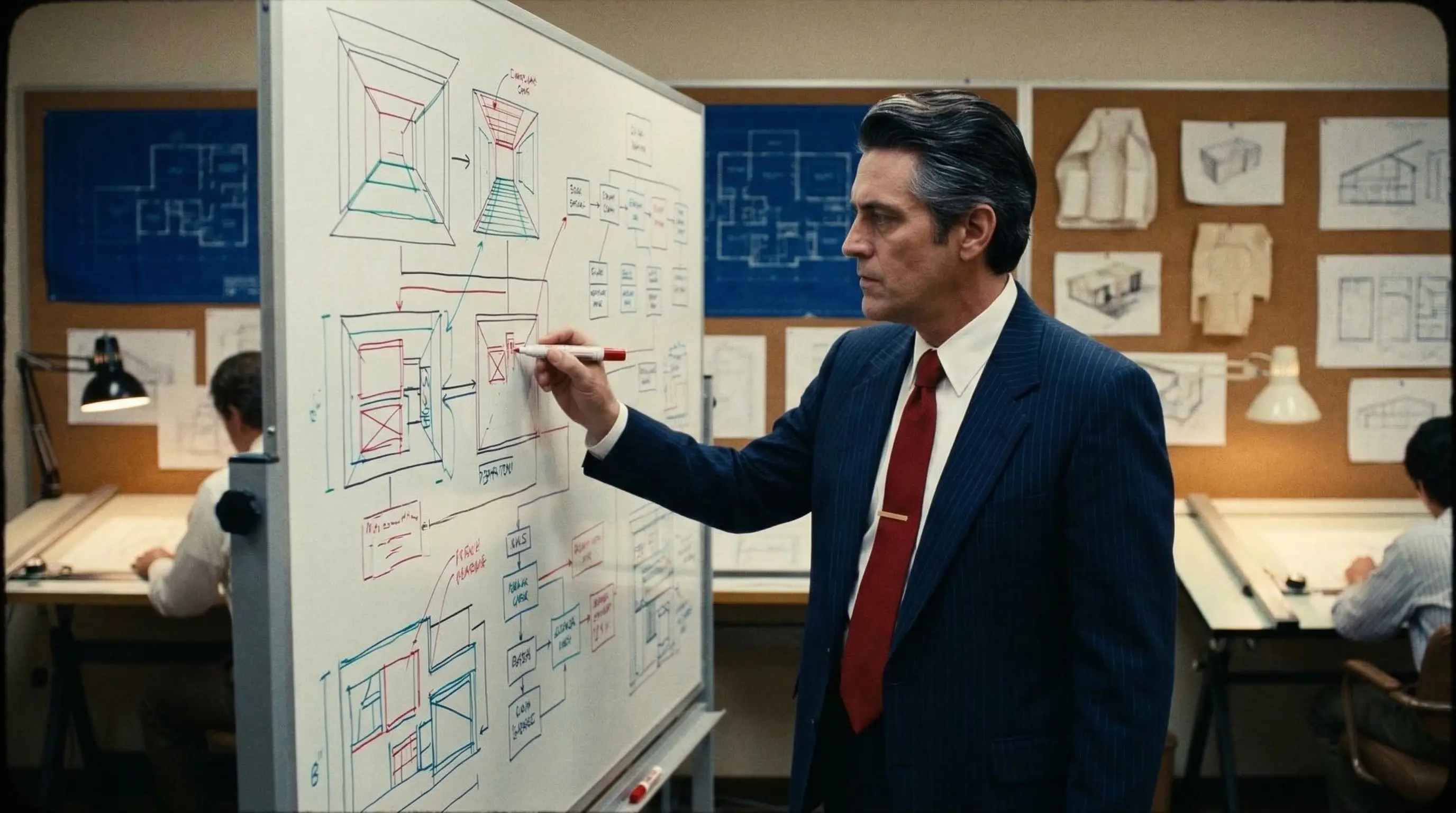
Interfaces that feel inevitable.
Every pixel serves a purpose, every interaction is earned. AI speeds up the workflow, but taste is something no machine can fake. We design systems that scale — not just screens that look good in a pitch deck.
- UI/UX Design & PrototypingWireframes, interactive prototypes, and user testing — we validate before we build.
- Design Systems & Component LibrariesReusable components with clear tokens and guidelines — so your product stays consistent as it grows.
- Brand Identity & Visual SystemsLogo, typography, color, iconography — a visual language that works across every touchpoint.
- Motion Design & Micro-interactionsSubtle animations that guide the eye, confirm actions, and make the interface feel alive.
- AI-assisted Asset GenerationAI helps us explore more directions faster — illustrations, icons, layouts — while we curate what ships.
UI/UX design for SaaS and apps: who it's a good fit for
Good design isn't a coat of paint added at the end. It decides whether users find their way around, reach their goal and are happy to come back. These are the typical situations clients bring to us:
- Founders before the first line of code
You want to see how your product feels before it gets built. A clickable prototype wins over customers and investors better than any slide.
- A SaaS that has grown
Every new feature got its own look, and the interface has turned into a patchwork. A design system brings order back.
- A platform with many roles
Customers, providers and your back-office team each need their own views. We design them so that every role quickly finds what it needs.
- A brand that needs to land digitally
The logo and colors are there, but inside the product they feel out of place. Or the brand is only just taking shape.
Platform design: systems, not castles in the air
We don't design individual screens, we design systems that grow with your product. With us, design and development are under one roof: what we design, we can also build if you want, as a SaaS or as a platform, web app or mobile app.
UI/UX Design & Prototyping
Test first, then build. We organize flows, navigation and screens so that users reach their goal without instructions. Sometimes good UX means leaving things out: Lumi, an AI app for iOS currently in the making, gets by without an onboarding questionnaire. You put the clickable prototype in front of real customers. More on that in From idea to finished platform.
Design Systems & Component Libraries
Colors, fonts, spacing and components like buttons, forms and tables make up one shared system. New screens are built from proven building blocks, and your product stays consistent, even as it grows. Every component comes with a clean structure: real buttons, labeled form fields, alt text for images. That helps people using screen readers, and AI agents reading your site, as explained in Making your website ready for AI agents.
Brand Identity & Visual Systems
Your look, everywhere: logo, colors, fonts and imagery work in the app just as they do on the website. For SaaS products, we can plan in white-labeling from the start if you want. On eFlipcard, companies send animated greeting cards in their own branding, complete with their own fonts.
Motion Design & Micro-interactions
Motion explains what's happening: a button responds, one page leads into the next. Well-placed animations guide the eye without slowing anyone down. This website is an example itself, with animations and page transitions built on GSAP. In eFlipcard, animations and interactive elements are built right into the editor.
AI-assisted Asset Generation
AI makes suggestions, we choose. Variations for images, illustrations or icons take shape in no time. We refine them and make sure everything fits the brand. Taste is still a matter of taste, and a human makes the call.
From pencil to screen: how your app design comes together
Good design starts with a pencil. After that, we work just like we do in development: humans decide, AI speeds things up, humans review. How long it takes depends on the scope. Here's what a typical process looks like:
Discovery
HumanWe work out who uses your product, which path your users take and what the end result should be. That includes roles, your existing brand and the key workflows. Twenty years of experience go into this step.
Wireframes & Clickable Prototype
Human + AISketches become wireframes, wireframes become a clickable prototype. AI delivers variations fast, and we decide which one holds up. You click through your product before a single line of code is written, and show it to customers or investors.
Design System & Screens
Human + AIWe define colors, fonts and components and use them to design every screen, for every screen size and platform. Empty lists, loading states and error messages too, because those moments also decide how a product feels.
Handover & Review
HumanDevelopment gets a design it can build right away. If we build it ourselves, there's no handover between two teams at all. Before launch, we check that what's been built matches the design, down to the last detail.
What does UI/UX design cost? Here's what it depends on
The cost follows the effort. And the effort comes down mainly to these factors:
- Number of screens and flowsA clear core flow with a few screens is quicker to design than a product with lots of special cases.
- PlatformsWeb, iOS and Android each have their own patterns and screen sizes. Every additional platform adds to the scope.
- Design systemA custom system with a component library, or a lean start on a proven foundation.
- BrandingWe carry an existing brand over into the product. A new brand identity is a separate building block.
- AnimationsSubtle micro-interactions are quick to add. Elaborate transitions take more time.
- Test roundsEvery round with real users brings insights, and with them further revisions.
Our AI Project Estimator gives you a first estimate for your project in a few minutes. Where design fits into the overall cost of a platform is covered in our guide What does your own platform cost?
Design from our workshop
Frequently asked questions about app and platform design
What's the difference between UI and UX design?
UX design defines how a user reaches their goal: flows, structure and navigation. UI design shapes the interface for it, with colors, fonts and components. We think about both together.
Is it worth having a design system built?
Yes, as soon as your product grows or runs on several platforms. New screens then come together faster and stay consistent. For a first MVP, a lean start on a proven foundation is often enough, and it can be expanded into a full system later.
Do you also design apps for iOS and Android?
Yes. Lumi is being built as a native iOS app in Swift and SwiftUI. Sometimes a web app that feels native is enough: ASMRStars is built as a Progressive Web App. We work out which route fits your product at the start.
Do you let AI do the design?
AI delivers variations and handles routine work, such as first drafts of images and icons. Experienced people decide which solution fits, and every result is reviewed.
Do I get design and development under one roof?
Yes. We design and develop SaaS, platforms and apps. That way the design goes straight into the code, and questions get sorted out quickly.